OBS Macro Scene Switcher
$150 streamdeck - seriously?! Switch scenes on the cheap.
Cost
| Cost | Item |
|---|---|
| $7.98 | Keyboard Switches |
| $1.99 | Altoids |
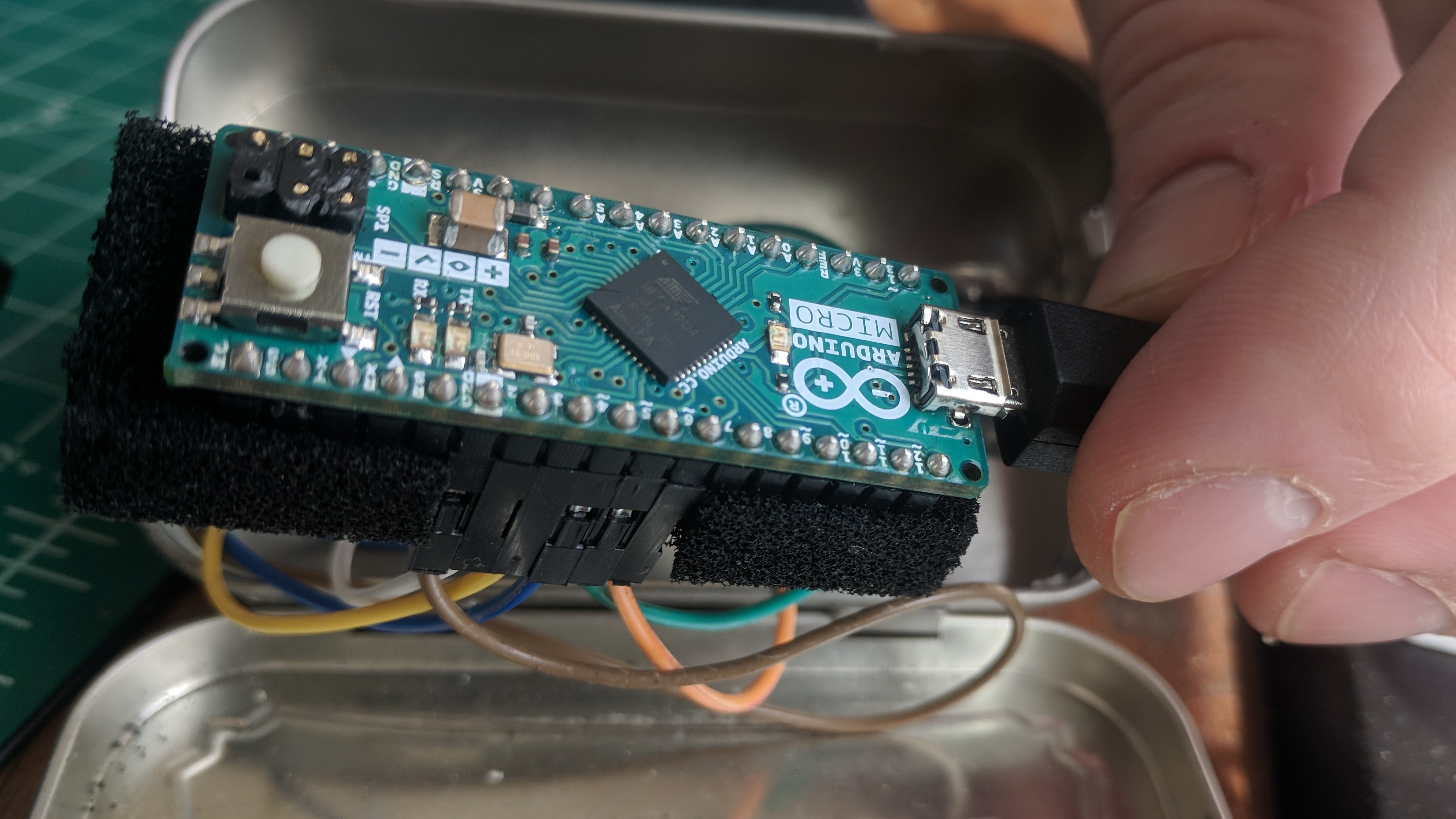
| $19.99 | Arduino Micro |
| $29.96 | Total |
Hardware
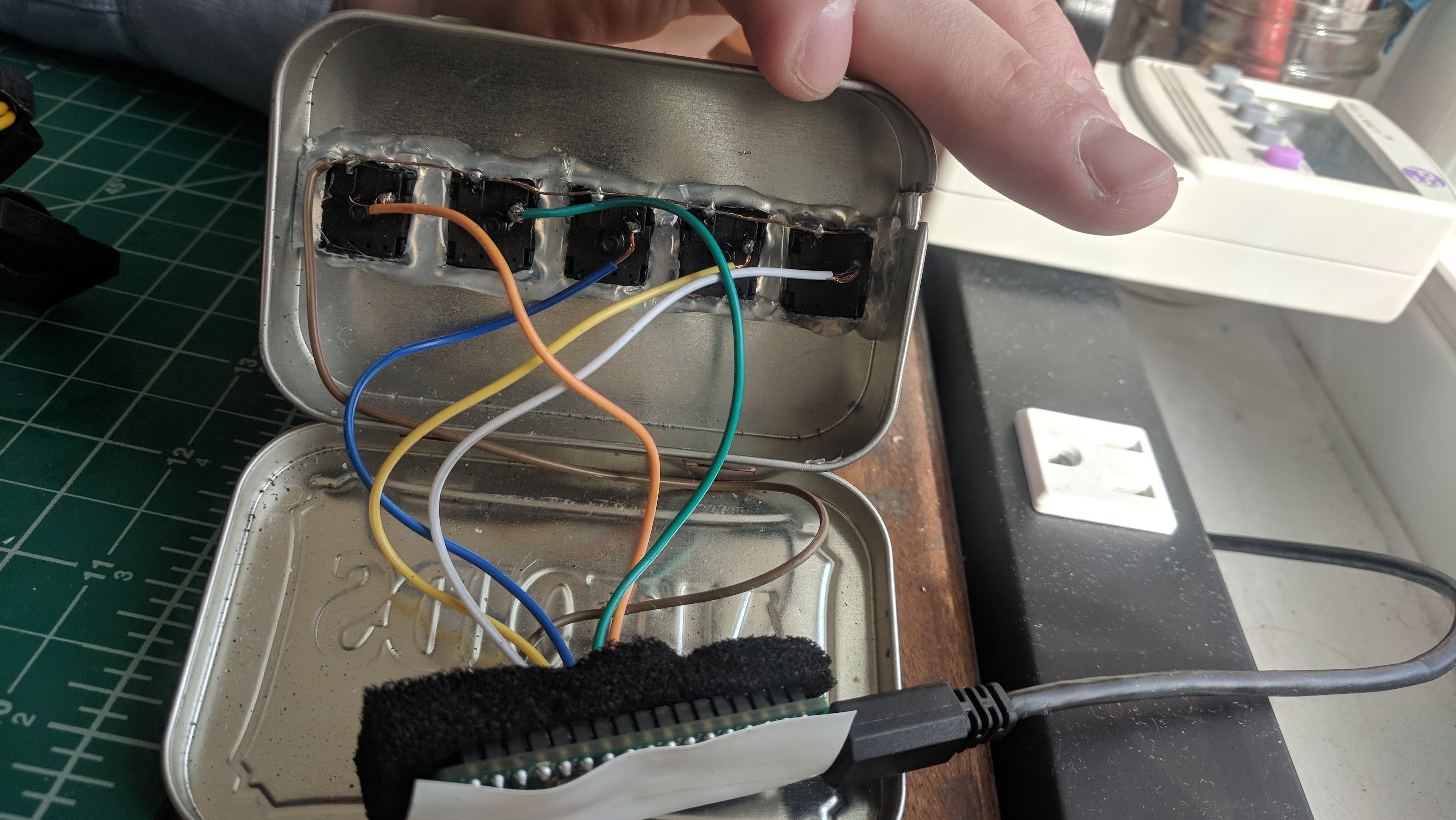
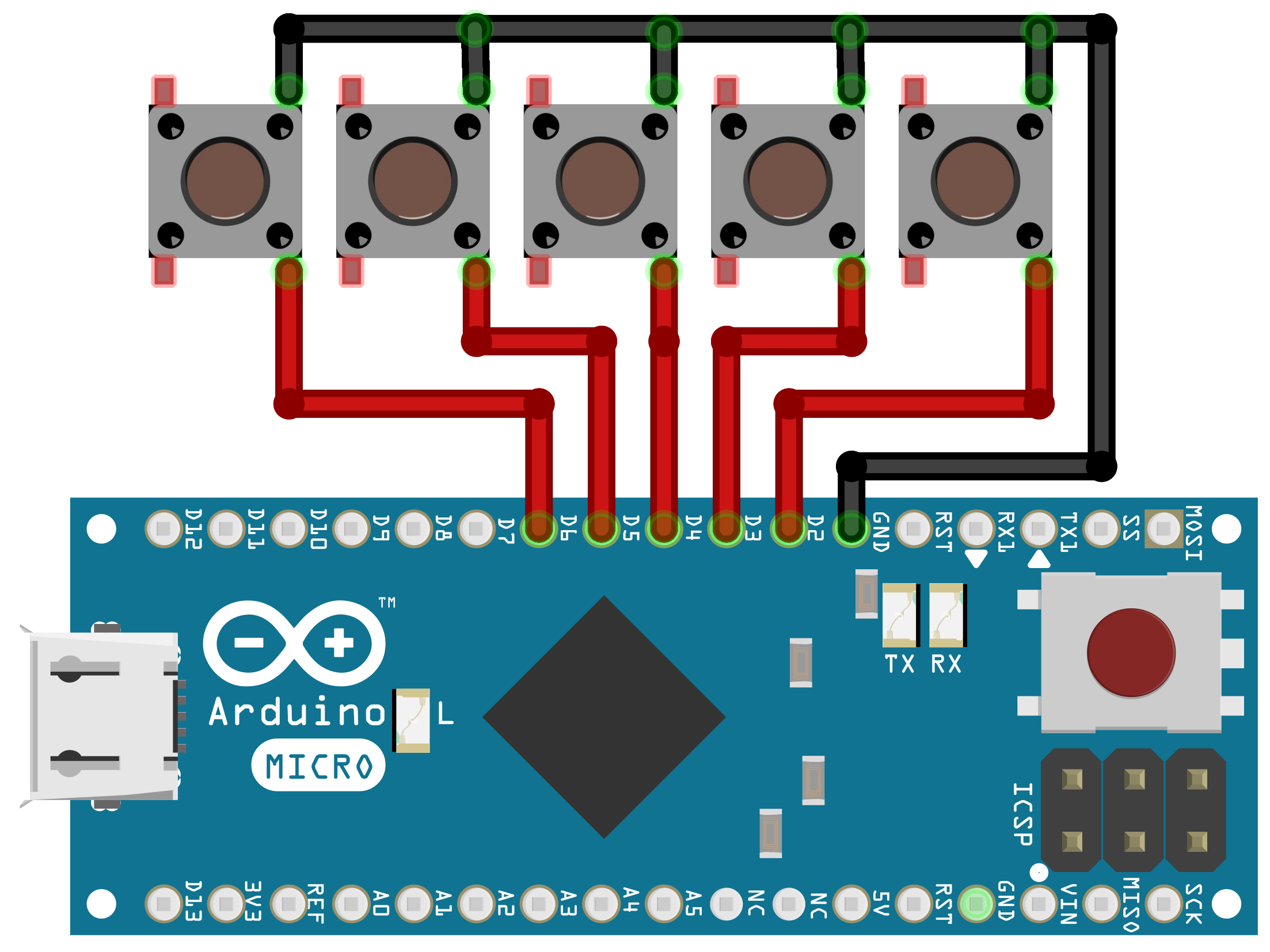
Connect five switches from digital pins 2, 3, 4, 5, 6 to ground as shown. When the switch is pressed - the pin is pulled logic low triggering the button press!
Software
Next connect the arduino to your computer with a usb cable. Open the included .ino project with the Arduino IDE. Press “upload” to program your arduino. Make sure the board is correctly detected in Tools > Board Manager.
Configure OBS
In your OBS project create 5 scenes - for example Scene1 Scene2 Scene3 Scene4 Scene5. Go to File > Settings > Hotkey and scroll down to scene controls. Under each scene set “Switch to scene” hotkey to be the desired key.
Control + 1
Control + 2
Control + 3
Control + 4
Control + 5
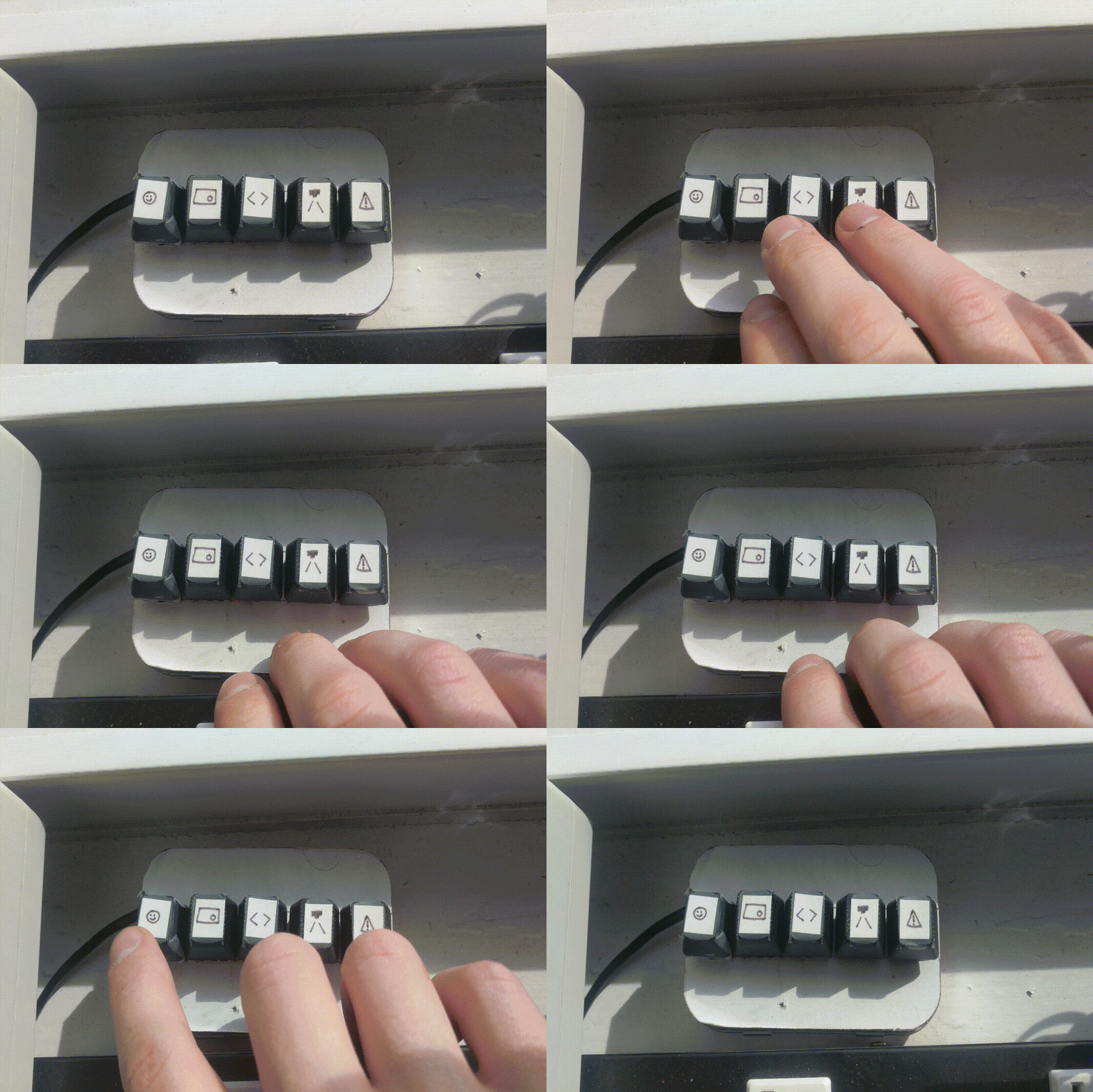
With the obs-macro-scene-switcher connected via USB - press one of the 5 buttons to switch between scenes. Good work!